
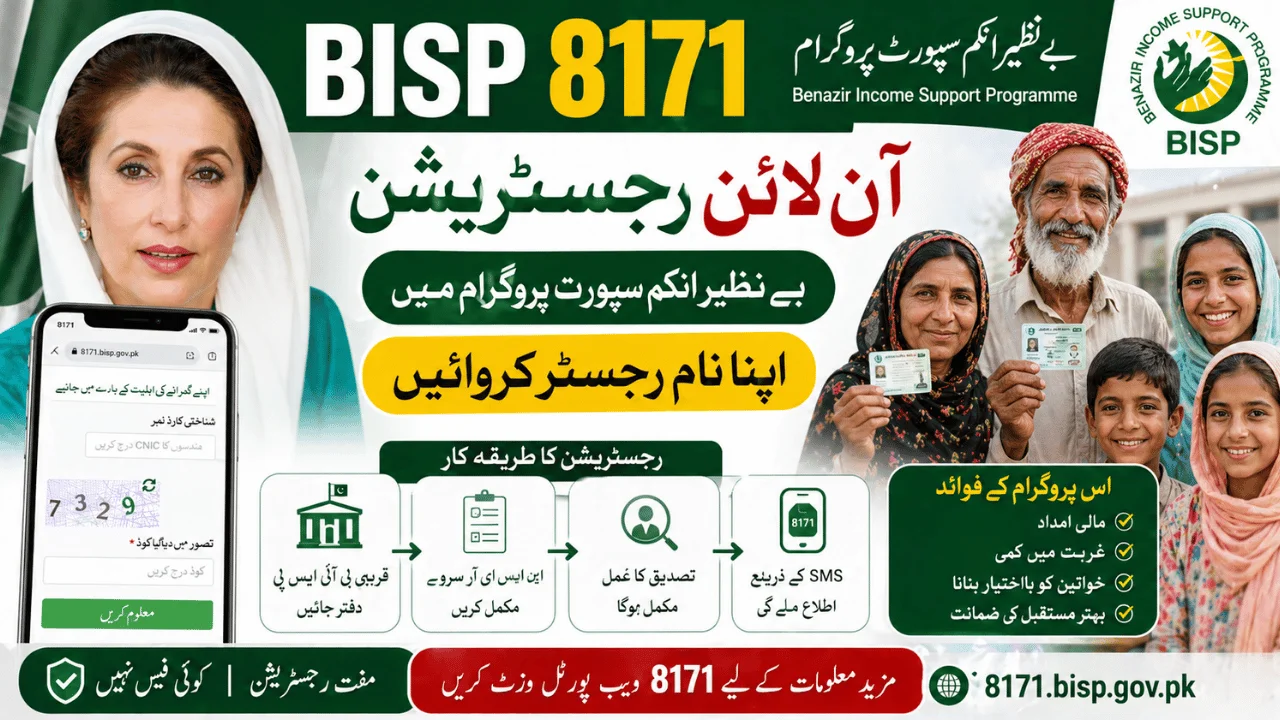
The BISP 8171 online registration process is one of the most searched topics in Pakistan, especially for families looking to benefit from financial assistance under the Benazir Income Support Programme. With increasing awareness and new updates in 2026, many people want to know how to register, whether online registration is available, and what steps they need to follow.
This guide provides clear, accurate, and updated information based on how the system actually works. It avoids confusion and explains the real process of BISP registration, helping you understand what is possible and what is not.
Overview of BISP 8171 Registration System
The Benazir Income Support Programme (BISP) is designed to support low-income families through financial assistance. To ensure transparency, the government uses a structured system based on data collection and verification.
Is BISP 8171 Online Registration Available?
This is the most important question.
Currently, full online registration is NOT available for new applicants through the 8171 web portal. The system does not allow users to complete registration entirely online from home.
Instead, the official process requires registration through:
- NSER Survey (National Socio-Economic Registry)
- BISP Tehsil Offices
The 8171 portal is mainly used to check eligibility and payment status, not for full registration.
Who Needs to Register in BISP 8171?
You should apply for BISP if:
- You belong to a low-income household
- You are unemployed or have unstable income
- You are a widow or female head of household
- You are not receiving other government financial aid
If you are already registered but not receiving payments, you may need to update your information instead of registering again.
Step-by-Step BISP 8171 Registration Process
Since online registration is limited, here is the actual official method you need to follow:
Step 1: Visit Nearest BISP Tehsil Office
Go to your nearest BISP or Ehsaas center. These offices are available in almost every district.
Step 2: Complete NSER Survey
You will be asked to provide:
- CNIC (Computerized National Identity Card)
- Family details
- Income information
- Household data
Your information will be entered into the NSER database.
Step 3: Verification Process
After submission:
- Your data is reviewed
- Eligibility score is calculated
- Government systems verify your details
Step 4: Confirmation via 8171
Once approved, you will receive confirmation through:
- SMS from 8171
- Or you can check status via portal
How to Check Registration Status Online (8171 Web Portal)
Even though full registration is not online, you can still check your status.
Steps to Check Status:
- Open the 8171 web portal
- Enter your 13-digit CNIC
- Enter captcha code
- Click submit
You will see:
- Eligible or not eligible
- Payment details (if approved)
8171 SMS Registration Check Method
You can also check your status without internet.
How to Use SMS Service:
- Open your mobile messaging app
- Type your CNIC number
- Send it to 8171
You will receive a reply with your eligibility status.
Latest Updates About BISP 8171 Registration (2026)
The government has introduced improvements in 2026 to make the system more efficient:
Dynamic Survey System
- Families can update their information anytime
- Helps include newly eligible households
Expanded Registration Centers
- More BISP offices added across Pakistan
- Reduced waiting time for applicants
Improved Data Verification
- Faster eligibility checks
- Reduced errors in selection
Common Mistakes to Avoid During Registration
Many applicants face rejection due to simple mistakes.
Incorrect Information
Providing wrong income or family details can lead to disqualification.
Unverified CNIC
Make sure your CNIC is valid and updated with NADRA.
Multiple Registrations
Avoid registering multiple times. This can create issues in the system.
Important Tips for Successful Registration
Keep Documents Ready
Always bring:
- Original CNIC
- Family details
- Mobile number registered on your CNIC
Follow Official Channels Only
- Use only 8171 service
- Visit official BISP centers
- Avoid agents or middlemen
Stay Updated
Check your status regularly using CNIC to avoid missing updates.
How Long Does Registration Take?
The process is not instant.
- Survey submission: Same day
- Verification: Few weeks
- Final approval: Depends on eligibility
Applicants are advised to be patient and check status periodically.
Is There Any Fee for BISP Registration?
No.
BISP registration is completely free of cost.
If someone asks for money:
- It is fraud
- Report it immediately
Difference Between Registration and Eligibility Check
Many people confuse these two.
Registration
- Done at BISP office
- Requires survey
Eligibility Check
- Done online or via SMS
- Requires only CNIC
Conclusion
The BISP 8171 online registration process is often misunderstood. While people expect full online registration, the official system still requires applicants to visit BISP centers and complete the NSER survey.
However, the 8171 portal and SMS service make it easy to check eligibility and payment status from home.
To successfully register:
- Visit official BISP office
- Provide accurate information
- Use CNIC to track your status
By following the correct process, you can avoid delays and increase your chances of approval under the BISP program.